
5 Tips to using your smartphone camera for social media images
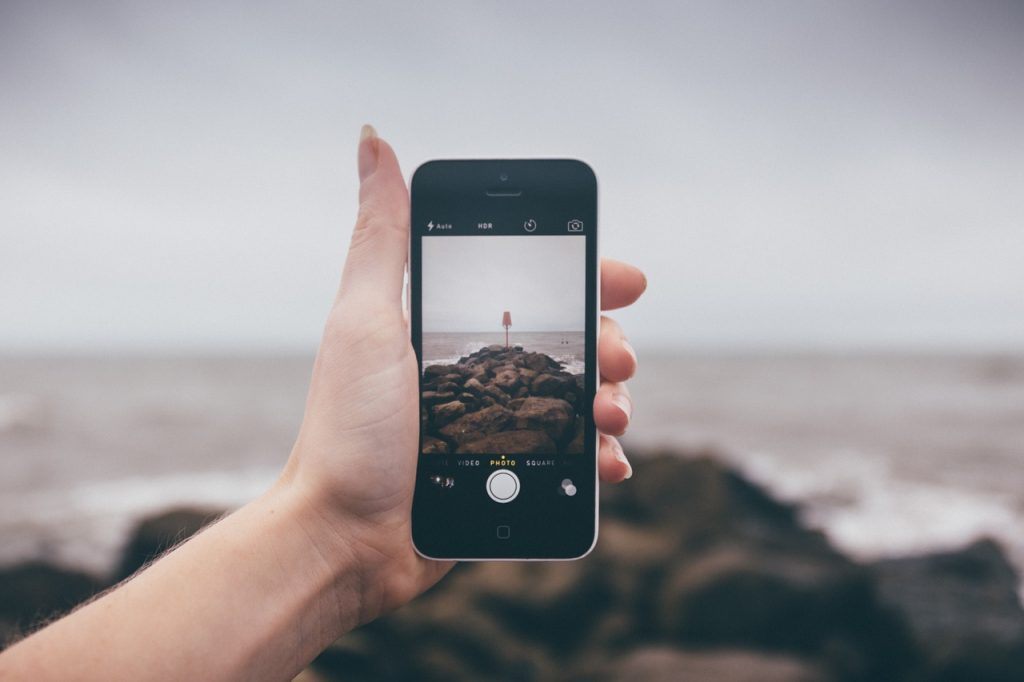
I assist many marine companies with their social media and therefore frequently find myself having the discussion about the importance of imagery with them. When I ask them to provide me with images, I repeatedly get the response that they don't have time to take pictures or that they do not have a good enough camera. My response is always along the lines of the following:
-
Taking a quick picture with your smartphone requires very little time, but can help to build your brand and a loyal following on social media channels.
-
It can save a great deal of money on professional photography.
-
You do not need a good camera to take spectacular images, most smartphones have the ability to take images which will look appealing on social media channels.
The next point my clients generally make is that they are not very good at taking photos. For this reason, I have compiled my 5 top tips for taking images which can be used for social media purposes.
-
Focus... To make sure the right part of your image is in focus, you can hold your finger down on the screen at the point where you want the focus to be. All phones will operate slightly differently so use Google search to find out how you can put the camera focus on if you can not figure it out.
-
Zoom... most zoom facilities on the phone result in an out of focus image. If you wish to fit more in you are better moving physically closer to your subject or cropping the image afterward. Experiment with your zoom and know how far you can zoom before it will be blurred.
-
Know how to use the wide-angle lens.... this facility can enable you to cram more people into the frame but it is not so good for close-ups as it can distort the image. Stepping back from your subjects and cropping the image afterward can avoid distorting faces etc.
-
Learn how to edit the images quickly. Your smartphone will have a simple edit facility which will allow you to do things like crop the picture. If taking pictures at sea, it is always important to straighten the horizon. You can download an editing app such as Snapseed to give you substantial more editing options.
-
Composition. Understand the rule of thirds and use the grid overlay function to help you compose your picture using the same fundamentals as you would with a camera. If you do not like using the grid overlay function (I don't) then imagine the screen is divided equally with two horizontal and two vertical lines, giving you nine equal rectangles. The four points where these lines intersect are called power points. Place your subject on one of these points to improve the composition.
There is not yet a smartphone on the market that can do all the things a conventional camera can but you are likely to have it on your being when you need it and therefore you are much more likely to capture the moment and end up with a cracking image. Instagram is great for sharing instantly from your phone and do not be afraid to be creative with angles, colours, light, etc. You will surprise yourself with the results.
