
Why you should install a Facebook Pixel on your website
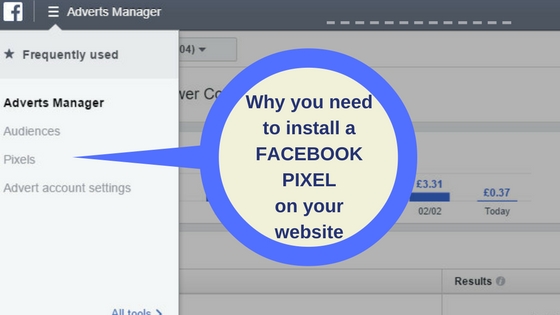
Facebook pixels have been around for some time. They just got easier. Few companies have utilised the power of these codes due to not understanding them or not having easy access to their own websites. Before we talk about why you need one, let's find out what a Facebook Pixel is.
What is a Facebook Pixel?
A Facebook Pixel is a short code that you can get from Facebook Ads Manager and install it on your website. It is installed in the back end of the site, not to be seen by any of your customers. It is easy to install taking only a few minutes by yourself or your web developer.
Once the code is installed on your site, your Facebook business page and your website will be connected. Now anyone who visits your website from the same browser as they have used to visit Facebook will be known to Facebook and their data collected for you to use. A browser is the program or application you use to access the web. You will not get their names, email addresses or telephone numbers but you will be able to advertise your products and services to them.
Why do you need to add this Facebook Pixel to your website?
-
The people that are collected by this pixel and saved as a list in your Ads Manager on Facebook have already visited your website and therefore, you can assume they have been interested in your products or services. Advertising to them is going to be more effective and cheaper than advertising to a randomly selected audience.
-
The data collected give insights into all the people who visit your website (with a Facebook page) not just the people who follow your business page.
-
You can create audiences to advertise to from people who have visited a specific page on your website. Why advertise to everyone interested in buying a boat when you can target people who want to buy a 40 foot sailing boat as opposed to a RIB?
-
Anyone visiting your website whether they have come from a Google search, Twitter, Instagram or word of mouth who has a Facebook page will be collected by this pixel.
-
We bet you have always wanted to be able to get in touch with people who have visited your website. Now you can by retargeting.
How do you get a Facebook Pixel?
If you do not have an ad account in Facebook, this is the first step. For information on how to do this click on this article from Adespresso Setting up your Facebook Ads Account
If you have an Ads account already you only need to create a pixel and install it on your website. Facebook has a video to help you create the pixel. Watch it here – Create and Install a Facebook Pixel
Once you have the pixel installed you will be collecting all visitors to your website who are logged onto Facebook. The quickest way to get people grouped into audiences using this pixel is to start a targeted ad campaign. Once the audience group (i.e. visitors to your website recorded by the pixel) is large enough you can then advertise to that audience. This is known as retargeting.
To some this may appear quite a complex process but with everything, it is easy when you know how. This is a service we provide to our clients so please feel free to get in touch with us.
Whatever you do, do not forget to put this pixel on your website. I bet you have always wanted to be able to get in touch with people who have visited your website. Now you can by retargeting.
